
 English





Varukorg
Din varukorg är tom, men det behöver den inte vara.
a { text-decoration: none; color: #464feb;}tr th, tr td { border: 1px solid #e6e6e6;}tr th { background-color: #f5f5f5;}Looking for a way to capture
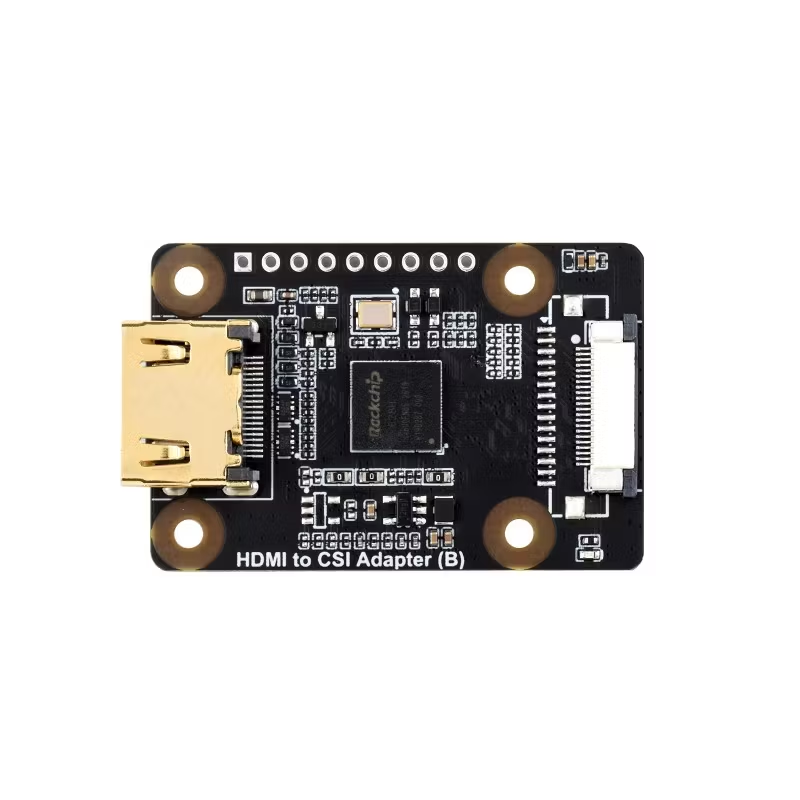
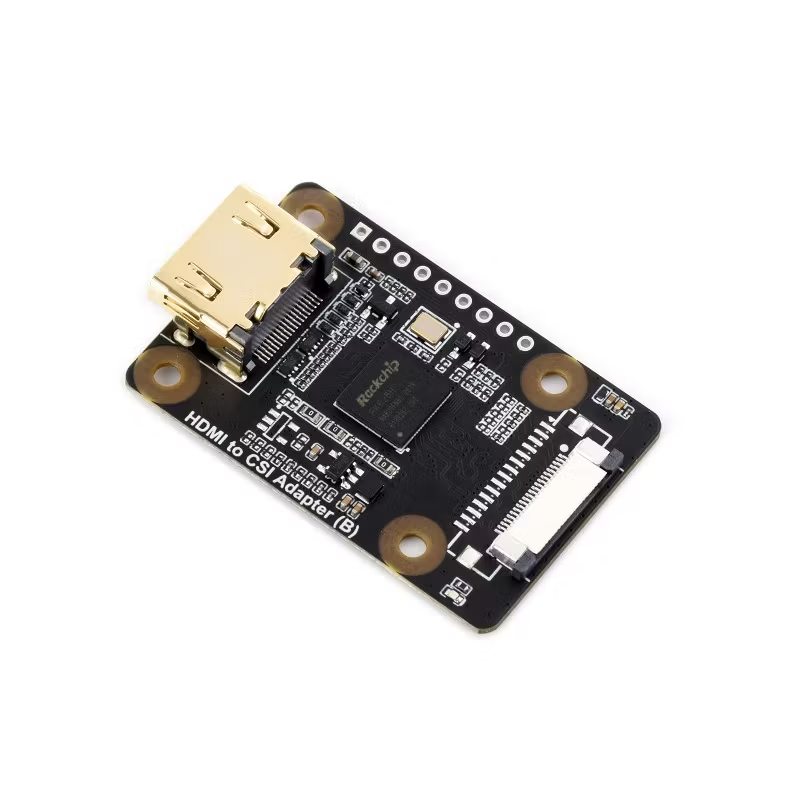
Looking for a way to capture HDMI video on a Raspberry Pi without using a USB capture card? The Waveshare HDMI to CSI Adapter (B) offers a compact and cost-effective solution that converts HDMI signals into a MIPI CSI-2 camera stream, enabling powerful video capture, computer vision, AI, and streaming applications. It supports HDMI video input up to 4K at 30fps and is compatible with Raspberry Pi and several Linux-based development boards. [waveshare.com]
The Waveshare HDMI to CSI Adapter (B) is built around the RK628H video bridge chip, converting an HDMI source into a CSI camera input that can be processed directly by Raspberry Pi and compatible Linux SBCs. Unlike conventional HDMI capture devices that rely on USB bandwidth, this adapter connects through the CSI interface, making it an attractive option for low-latency and embedded video applications. [waveshare.com]
Whether you are building an AI-powered camera system, a game streaming setup, or an industrial monitoring solution, this adapter provides a flexible bridge between HDMI devices and CSI-enabled hardware.
The adapter supports HDMI 2.0 input up to 3840 × 2160 resolution at 30fps, making it suitable for high-definition video sources including cameras, PCs, gaming consoles, and media players. [waveshare.com]
Video is output through 2-lane or 4-lane MIPI CSI-2, allowing direct integration with supported development boards. [waveshare.com]
In addition to video capture, the device can extract audio from HDMI and output it via I2S audio, supporting LPCM audio streams. [waveshare.com]
The onboard RK628H processor supports video downsampling, enabling users to adjust output resolutions based on performance requirements and hardware limitations. [waveshare.com]
The adapter supports Linux and comes with driver support for compatible Raspberry Pi and Luckfox development boards. [waveshare.com]
| Specification | Details |
|---|---|
| Chipset | RK628H |
| HDMI Input | HDMI 2.0 |
| Maximum Input Resolution | 3840 × 2160 @ 30fps |
| Video Output | MIPI CSI-2 (2-lane / 4-lane) |
| CSI Speed | Up to 1.3Gbps per lane |
| Audio Output | I2S (LPCM) |
| Operating Voltage | 3.3V |
| Operating Temperature | -20°C to +70°C |
| OS Support | Linux |
| Compatible Boards | Raspberry Pi Series, Luckfox Linux Boards |
This is one of the most popular use cases. The adapter allows Raspberry Pi systems to capture video from:
This makes it ideal for custom video recorders, streamers, and surveillance systems.
Developers working with OpenCV, TensorFlow, YOLO, or other machine-learning frameworks can use HDMI video sources as camera feeds for:
Since the source appears as a CSI camera input, integration into existing vision workflows is simplified.
Factories and industrial facilities can use the adapter to monitor HDMI-equipped instruments, testing systems, and production equipment for:
Content creators can build custom low-cost streaming devices using Raspberry Pi to capture camera or console outputs for:
Setting up the Waveshare HDMI to CSI Adapter is straightforward:
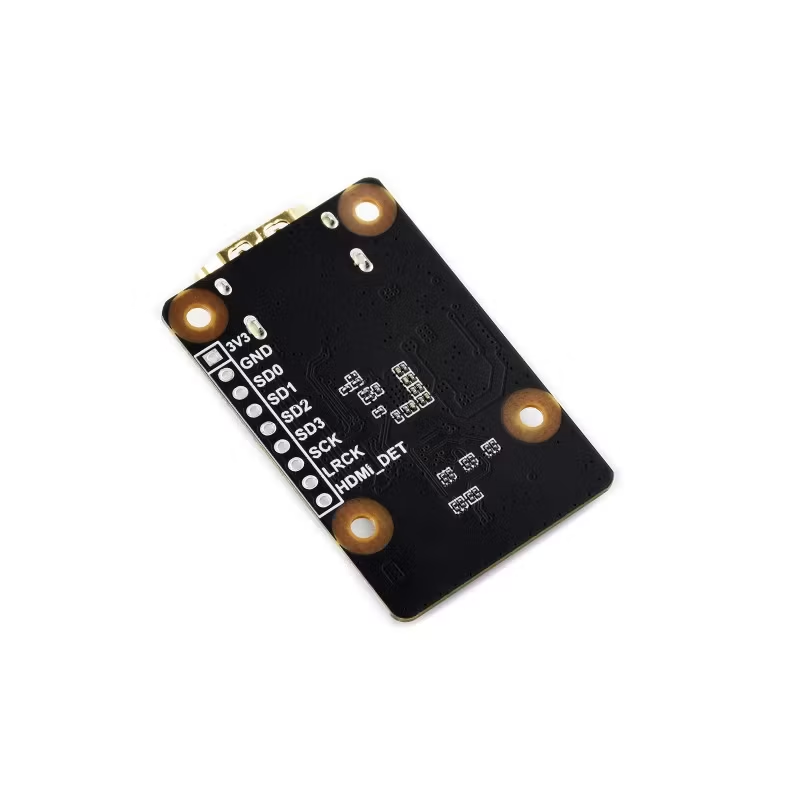
For audio support, Waveshare notes that the reserved solder pads must be connected to the Raspberry Pi I2S pins. [waveshare.com]
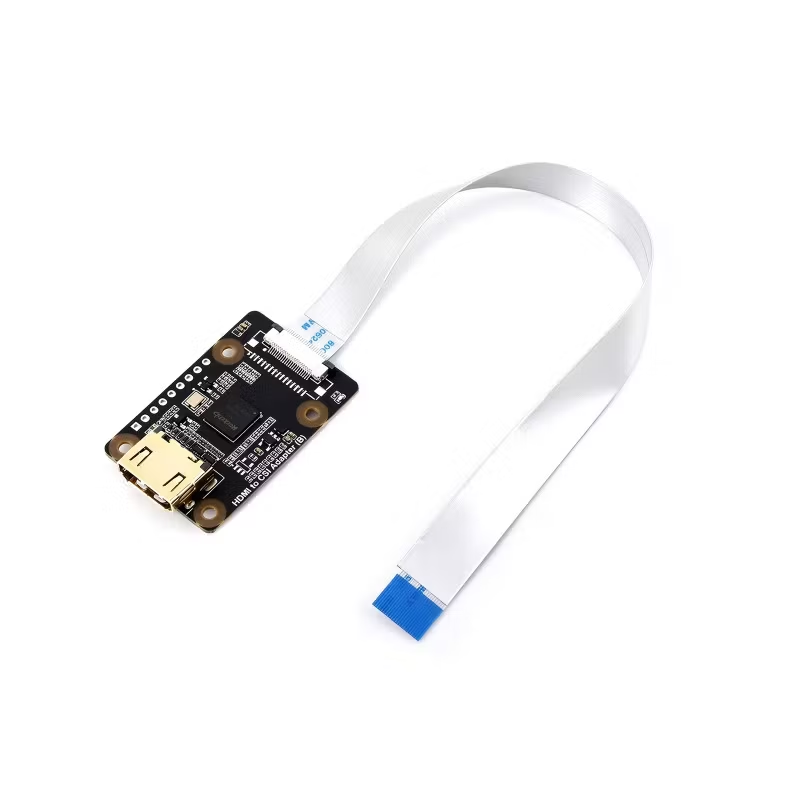
The package includes:
✅ Supports 4K HDMI input at 30fps
✅ Compact and lightweight design
✅ Direct CSI integration for Raspberry Pi projects
✅ HDMI audio extraction via I2S
✅ Suitable for AI and machine vision applications
✅ Linux driver support available
✅ Affordable alternative to specialized capture hardware
The Waveshare HDMI to CSI Adapter (B) is an excellent choice for makers, developers, educators, and engineers who need to bring HDMI video into a Raspberry Pi or embedded Linux environment. With support for 4K HDMI input, MIPI CSI-2 output, and audio extraction, it opens the door to advanced projects ranging from AI vision systems and robotics to live streaming and industrial monitoring. [waveshare.com]
SEO Keywords: HDMI to CSI Adapter, Raspberry Pi HDMI Capture, HDMI to MIPI CSI-2 Converter, Waveshare HDMI to CSI Adapter Review, 4K HDMI Capture Raspberry Pi, CSI Camera Interface, Raspberry Pi Video Capture, RK628H HDMI Bridge, Embedded Vision Systems, AI Video Processing.
HDMI to CSI Adapter type B, 4K at 30fps support, compatible with Raspberry Pi series boards and multiple Luckfox Linux Boards
HDMI to CSI Adapter
Compatible with Raspberry Pi Series Boards
The HDMI to CSI Adapter (B) is an adapter based on the Rockchip RK628H chip, designed to convert HDMI input signal into MIPI CSI video and I2S audio signals. Supports HDMI input with up to 4K at 30fps resolution and MIPI CSI output with up to 4K at 30fps resolution. Supports HDMI video downsampling, with adjustable output resolution to meet different requirements. Suitable for video capture from HDMI sources such as PCs, game consoles, and cameras, and compatible with all Raspberry Pi boards and multiple Luckfox Linux boards.

Specifications
| Chip | RK628H | |
|---|---|---|
| Input signal | Video | HDMI 2.0, supports up to 4K at 30fps |
| Audio | HDMI | |
| Output signal | Video | 2/4-lanes MIPI CSI-2, up to 1.3Gbps data rate per channel |
| Audio | I2S audio output, LPCM audio stream format | |
| Operating voltage | 3.3V | |
| Operating temperature | -20 ~ 70°C | |
Device & System Support

Raspberry Pi
Supports Raspberry Pi OS and comes with drivers
Luckfox Pico Zero
Supports Linux and comes with drivers, up to 3840 × 2160 at 15fps input resolution
Luckfox Aura
Supports Linux and comes with drivers, up to 3840 × 2160 at 30fps input resolution
Luckfox Omni3576
Supports Linux and comes with drivers, up to 3840 × 2160 at 30fps input resolution
how to use

* Note: it is required to connect the reserved solder pad to the I2S pin
of Raspberry Pi for audio output
Connecting with camera and display

* for reference only, please refer to the package content for the detailed part list.
connecting with Raspberry Pi / Luckfox Aura

Connects to Raspberry Pi 5

Connects to Luckfox Aura
* for reference only, the boards and hosts are NOT included in the package.
The FPC Cable is required for Raspberry Pi 4B, supports up to 1080P at 30fps.
Outline dimensions

Resources & Services

Wiki: docs.waveshare.com/HDMI_to_CSI_Adapter_B


Din varukorg är tom, men det behöver den inte vara.